
 Maddy Osman
 The bare metal industry is booming. Currently valued at $8.44 billion, the bare metal cloud market is projected to expand by 23 percent annually, reaching $44 billion by 2031.
With such rapid growth, the demand for powerful software solutions to maintain bare metal infrastructure is on the rise. That includes bare metal backup software, which can play a critical role in your disaster recovery process and business continuity plans.
For businesses looking to quickly restore data across entire servers, a bare metal backup is essential. Unlike typical file-based backups, bare metal backups capture a complete snapshot of your server, ensuring a swift recovery of lost data.
Read on to learn more about bare metal backups, how they work, and the bare metal backup software you can use to strengthen your recovery efforts.
Here’s what we’ll cover:
- What is bare metal backup?
- What to look for in bare metal backup software
- Best bare metal backup
- Final thoughts: Top bare metal backup software for enterprise
- Frequently asked questions (FAQ)
Key points
- Bare metal backups is a comprehensive data backup solution capturing the entire server environment, not just files and folders.
- Bare metal backups are essential for disaster recovery, ransomware recovery, and quick deployment.
- Look for bare metal backup software that includes fast system recovery, system compatibility, data protection measures like encryption and integrity checks, and a cost-effective model.
- Bare metal backup software includes Acronis, Veeam, Veritas, Barracuda, NinjaOne, and Bacula.
- Acronis Cyber Backups are also integrated into many Liquid Web plans.
What is bare metal backup?
Every business knows just how important it is to keep frequent backups. Losing all your files, applications, code, and other key data could be devastating, whether this happens due to ransomware or new hardware failure.
That’s why you probably already have backup software running on your servers. That said, while file backups are a necessary part of your backup strategy, they’re not the only option.
A bare metal backup is a much more comprehensive backup designed to capture a complete snapshot of an entire server, including all its volumes, applications, operating system (OS), and system data in an image. When you restore this image, your server will look exactly as it did when you backed it up.
Unlike file-based backups, which focus only on saving critical files and folders, bare metal backups encompass everything on the server.
With this approach, in the event of server failure or disaster, the entire system can be restored in an instant. With file backups only, you’d need to reconfigure the entire server and its applications all over again.
This type of backup is particularly valuable for businesses that rely on complex IT environments, as it eliminates the need to manually reinstall and reconfigure the entire system whenever something goes wrong.
Why use bare metal backup software?
Bare metal backup software is an indispensable tool for businesses looking to implement more comprehensive data recovery measures.
While 99 percent of IT decision-makers have backup strategies in place, 26 percent have admitted to being unable to fully restore all lost data, and 60 percent may have inadequate strategies. Comprehensive bare metal backup ensures that you’re not part of this statistic.
Here are a few examples of the benefits and what you can do with these tools:
- Disaster recovery – Whether it’s a fire, a flood, or a major cyberattack, bare metal backup ensures that your entire server can be restored in minutes rather than hours or days. Downtime is minimized, so your business will get back on track quickly.
- Fast deployment – If you’re looking to deploy several identical server images in bulk, such as after a server hardware refresh, bare metal backup software is perfect. This can save a massive amount of time as you no longer need to set up each new server individually.
- Hardware failure – Maybe a hard drive fails suddenly, or maybe the system crashes and corrupts a lot of data. Instead of reinstalling the operating system and applications from scratch, bare metal backup lets you spin up an identical server as if nothing happened.
- Ransomware and malware – Ransomware attacks encrypt data and hold it hostage, while some types of malware may steal data and wipe servers. A bare metal backup system lets you reset the server back to a previous state. Just make sure you store a copy off-site so it doesn’t get encrypted or deleted along with everything else.
These are just a few of the many benefits and use cases of bare metal backup.
What to look for in bare metal backup software
If you’re ready to add bare metal backups to your disaster recovery plan, you need to choose the right backup software for your business needs. We’ll recommend a few below, but look for these key features as you look for the perfect solution.
- Fast recovery – Look for software that offers fast RTO (Recovery Time Objective) to minimize downtime and quickly restore operations.
- Ease of use – User-friendly software with intuitive interfaces and wizard-based setups can simplify the backup process, reducing the learning curve for IT staff.
- Recovery options – Backup software should allow for both full system restores and granular recovery options, which can be stored in a variety of ways. This way you can recover individual files or folders without restoring the entire system, as needed.
- Compatibility – Verify that the software is compatible with your existing OS, hardware, and virtual environments so it can integrate seamlessly into your infrastructure.
- Data security – Choose a program that encrypts your backups to protect them from unauthorized access and performs regular integrity checks to ensure backups are free from corruption.
- Automation – Automated backup scheduling keeps data secure without the need for manual intervention.
- Disaster recovery features – Look for advanced bare metal recovery features, such as offsite replication and cloud integration, to help keep your data safe to back up and restore it quickly during disasters.
With these features in mind, let’s get into the list of best bare metal backup software.
Best bare metal backup
- Acronis Cyber Backup
- Veeam Data Backup & Replication
- Veritas Backup Exec
- Barracuda Backup
- NinjaOne Backup
- Bacula
There are dozens of bare metal backup programs out there suited for business and enterprise use, but we’ve narrowed it down to six of the best. Each of these offers unique features and is suitable for a variety of businesses.
Let’s break down each of them.
1. Acronis Cyber Backups
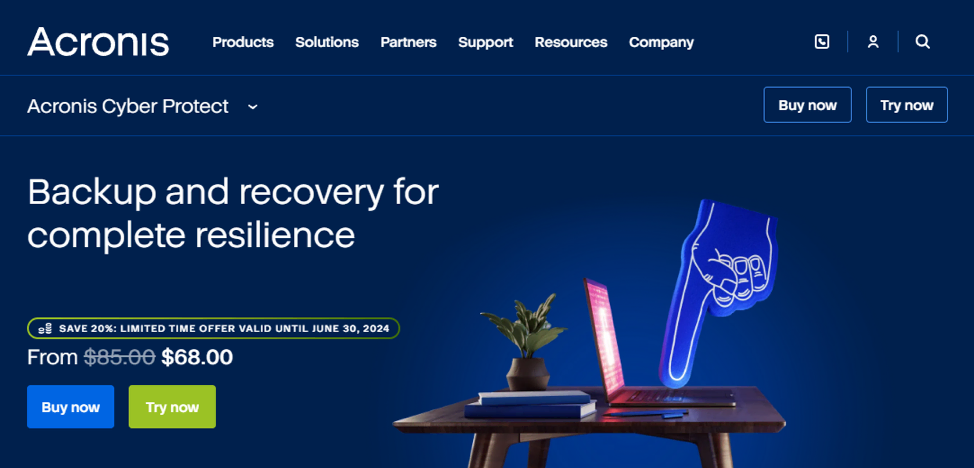
Used by Liquid Web in our backup storage solution as well as integrated into several plans, Acronis Cyber Backups is the top tier of bare metal backup software. It offers an absolute ton of advanced features, including anti-ransomware technology and blockchain-based data authentication.
Acronis is an excellent choice for businesses looking to safeguard their data. While pricing is on the higher end due to the extensive features, Acronis Cyber Backups are integrated for free with many Liquid Web plans.
More features:
- Incremental backups, differential backups, and full backups.
- File and disk image backup.
- Support for physical, virtual, cloud, and mobile environments.
- Very fast, one-click recovery.
- Flexible storage options, including local, NAS, and cloud.
- Anti-ransomware protection.
- Migrate critical data anywhere.
- Centralized management console.
Pricing: From $85/year to $109/year for a single workstation. For a single server/VM, this increases to $595/year and $705/year for a virtual host like VMware with unlimited VMs. Multi-year contracts are cheaper.
2. Veeam Data Backup & Replication
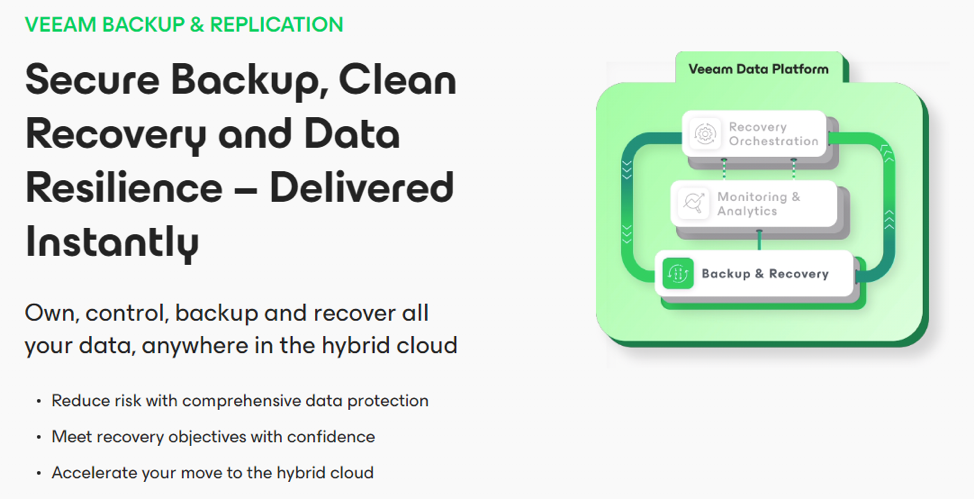
The backup solution by Veeam is known as a powerful and flexible platform, created particularly for virtual machine environments like VMware vSphere and Microsoft Hyper-V. Its ability to perform fast and reliable VM backups and recoveries is ideal for businesses that rely on virtualization.
However, its versatility can make it complex to set up and configure, so make sure you have well-trained IT staff.
More features:
- Instant, high-speed VM recovery.
- Support for virtual, physical, and cloud-based workloads or hybrids.
- Full and granular backups.
- Continuous data protection to capture every change.
- Advanced monitoring and reporting tools.
Pricing: The free version protects up to 10 workloads. You can otherwise get an idea of Veeam’s pricing by contacting sales.
3. Veritas Backup Exec
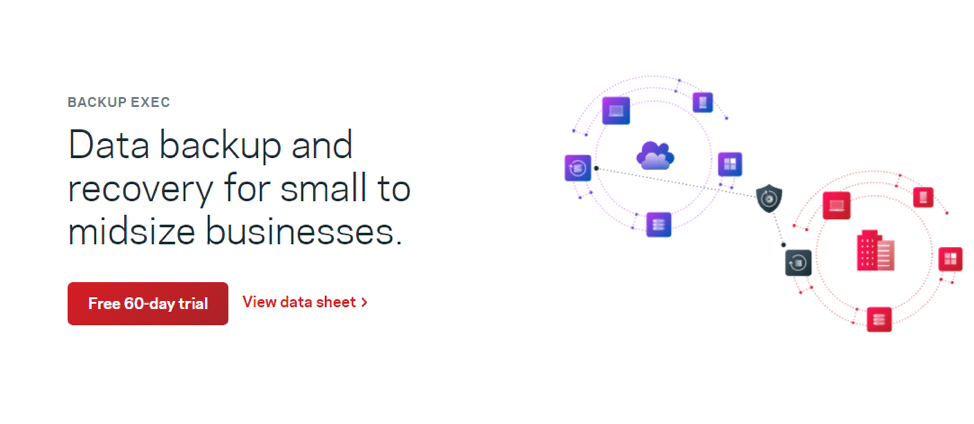
Made for those using a hybrid cloud, a mix of physical and virtual systems, Veritas Backup Exec is a reliable solution. This particular offering is designed for small and medium-sized businesses, but Veritas also offers NetBackup for enterprises. Installation is quick and easy thanks to the automated setup.
Data protection is a big focus, and it also integrates with many cloud services, but it can be pretty expensive despite targeting small businesses.
More features:
- Disk, tape, and cloud backups.
- Granular and full recovery.
- Automatic installation.
- Centralized management of multiple server backups.
- Data protection and security is a priority.
- Anti-ransomware and anti-malware protection.
Pricing: Use the license calculator to get an idea of the license you’ll need and contact sales for a quote.
4. Barracuda Backup
Barracuda Backup is a bare metal backup service that’s focused on disaster recovery and data protection in any server environment. Multiple off-site storage options are provided for data replication, and snapshots can be recovered quickly.
Barracuda’s prices are based on raw data rather than the number of servers and workloads, which may be a more or less expensive investment depending on your business. Beyond that, it doesn’t support some types of backups, like tape backup.
More features:
- Off-site cloud storage of backups.
- Simple and effortless deployment.
- Supports physical, virtual, and hybrid environments.
- Centralized management through a cloud-based console.
- Automated and scheduled backups.
Pricing: Check the backup configuration tool for an exact estimate of how much you’ll need to pay.
5. NinjaOne Backup
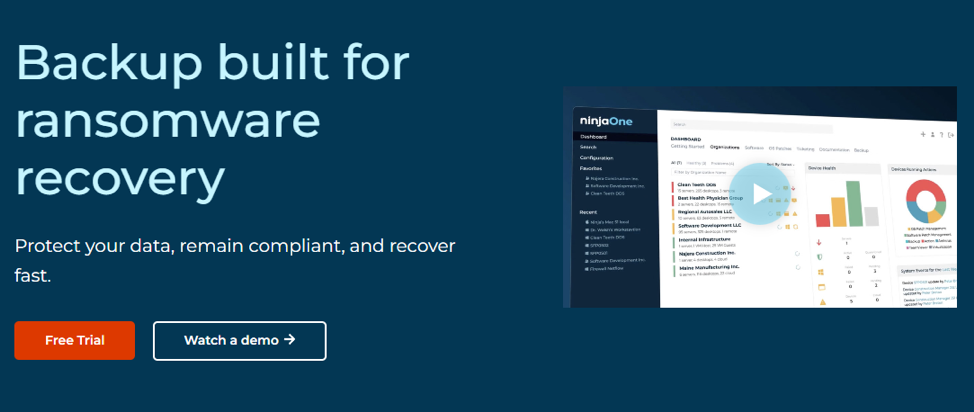
NinjaOne Backup is a modern, cloud-first backup solution for businesses of all sizes. It integrates with NinjaOne’s IT management platform, the company’s flagship software, and it has a great, intuitive interface that makes working with it seamless.
Support is also known to be solid, and the company avoids hidden fees. That said, the software is fairly expensive, and while the interface is good, it can be difficult to get the hang of it. It may also not be suitable for those with an on-premises or hybrid environment.
More features:
- Cloud-first architecture with end-to-end encryption.
- Integrates with NinjaOne’s IT management platform.
- Flexible backup options, including file, folder, and image-based backups.
- Granular and full backups.
- Automatically schedule backups.
- Detailed reporting/performance insights and alerts.
Pricing: NinjaOne uses pay-per-device pricing, but you’ll need to request a quote to get an estimate.
6. Bacula
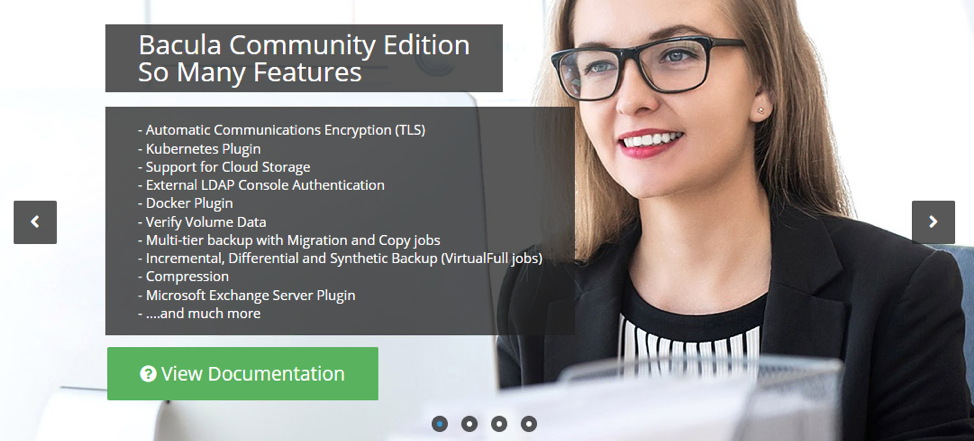
Unlike other bare metal backup software, Bacula is entirely free and open source — though there is an enterprise edition called Bacula Systems. These are built to handle “heterogeneous networks” with very different configurations per server.
With the free version, which is enterprise-ready, you handle setting up Bacula in your environment, and customer support is extremely limited. With Bacula Systems, you get access to several more features, automatic patches, and support.
More features:
- Support for multiple operating systems like Windows, Linux, and MacOS.
- Wide range of storage options, including disk, tape, and cloud.
- Supports integrity checks (enterprise only) and backup encryption.
- Scalable and suitable for small businesses to large enterprises.
- Active community support.
Pricing: Free and open source. For Bacula Systems, request a quote.
Final thoughts: Top bare metal backup software for enterprise
Now that you know the best bare metal backup options and how to pick the perfect one, you can better secure your business and recover from disasters. All that’s left is to compare your options, request pricing quotes, and select the best one for your business.
You could also go with Liquid Web for enhanced protection. Acronis Cyber Backups is integrated into many plans at no cost to you, or you can purchase it as an add-on.
Take advantage of this for a lower price, stellar support, and less hassle than buying and setting up one of these bare metal backup solutions yourself.